Este artículo aún no está disponible en español, por eso se muestra en inglés.
AI Image Generator With No Subscription: How Pay-As-You-Go Works in 2026
You don't need a monthly plan to use the best AI image models. Here is how pay-as-you-go AI image generation works, what one image really costs, and when it beats a subscription.
Por Opeek5 min de lectura
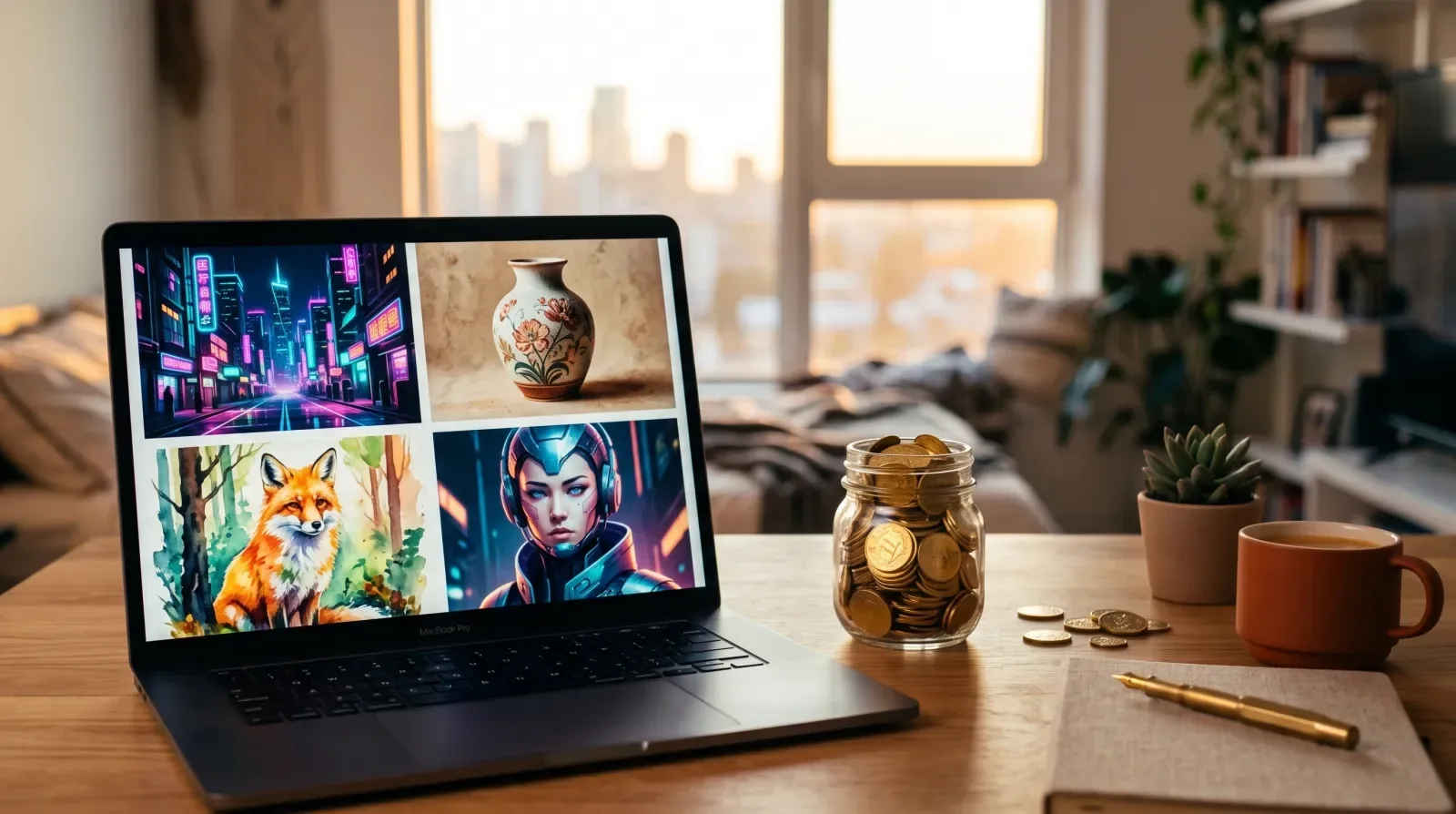
Short answer: yes, you can use the best AI image generators without a subscription. Pay-as-you-go studios like inker sell one-time coin packs (from €5 for 500 coins). Coins never expire, and every model shows its exact price before you generate. At the time of writing, one Nano Banana 2 image costs 11 coins, so a €5 pack makes about 45 images. You don't pay a monthly fee and nothing renews.
Why do so many people search for an AI image generator without a subscription?
Most AI image tools are sold like streaming services: €10–€60 a month for a credit allowance that resets whether you used it or not. That suits agencies that generate every day. It doesn't suit most people, who need:
- a dozen product shots this week, then nothing for a month,
- one poster for an event,
- a few tries at a new model everyone is talking about.
For them, a subscription means paying for credits they never use, and remembering to cancel. Pay-as-you-go flips that: you pay once, you spend coins only when you generate, and your balance waits for you.
How does pay-as-you-go AI image generation work?
On inker it takes three steps:
- Buy a coin pack once. Packs start at €5 (500 coins); bigger packs add bonus coins. See all packs.
- Pick a model and write a prompt. The studio shows the exact coin price for your settings (model, resolution, number of images) before you press Generate. What you see is what you pay, never more.
- Generate. If a generation fails or is blocked by a safety filter, your coins come back automatically.
New accounts get 15 free coins after confirming their email (valid for 30 days), enough to try an affordable model before buying anything. Purchased coins never expire, and unused purchased coins can be refunded on request within 14 days.
What does one AI image cost without a subscription?
Prices depend on the model and settings. Here are inker's default-setting prices for popular image models at the time of writing (the studio always shows the live price):
| Model | Best for | Coins per image (default) | ≈ Images from a €5 pack |
|---|---|---|---|
| GPT Image 2 | Everyday images, following instructions | 9 | ~55 |
| Nano Banana 2 | Photoreal scenes, products, clean text | 11 | ~45 |
| Ideogram 4 | Posters, logos, typography | 11 | ~45 |
| FLUX 3 | Artistic and stylized images | 18 | ~27 |
| Seedream 5 Pro | High-detail illustration and photo | 24 | ~20 |
| Nano Banana Pro | Top-quality photoreal, complex scenes | 26 | ~19 |
1 coin is €0.01 in the smallest pack, so a Nano Banana 2 image is about €0.11, and you pay it only when you make one.
Pay-as-you-go vs subscription: which is cheaper?
A simple rule: add up the images you actually made last month.
- Fewer than ~300 images a month, or an irregular rhythm: pay-as-you-go almost always wins, because you never pay for unused credits.
- Thousands of images every month, every month: a subscription with a big allowance can be cheaper per image, if you really use it all.
- You want several models: subscriptions usually lock you to one company's models. One coin balance on inker works across every image, video, audio and 3D model in the catalog.
One prompt, two models: why model choice matters
The other advantage of a multi-model studio is that you can try the same prompt on different models and keep the one you like. We ran this exact prompt on two models:
A minimalist event poster for a fictional jazz night. Bold headline at the top that reads exactly "MIDNIGHT JAZZ", and below it the line "Friday · 9 PM · The Blue Room". A stylized saxophone silhouette in warm gold on a deep navy background, Art Deco geometric border, elegant typography, print-ready design.
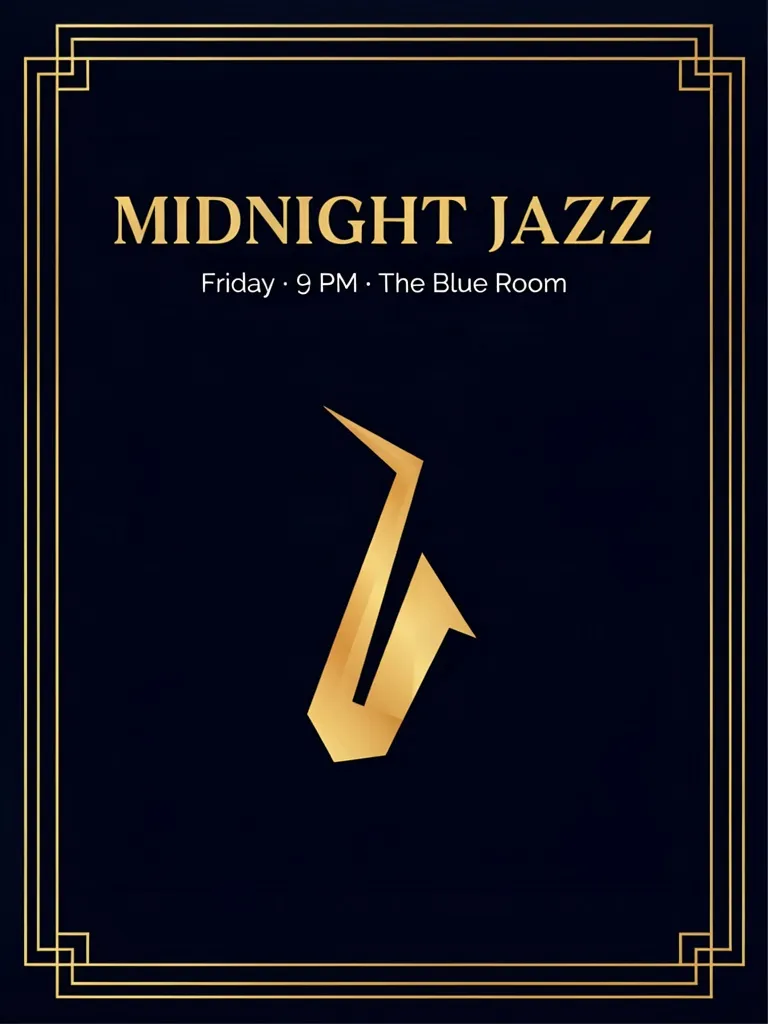
Ideogram 4: minimal, clean typography, lots of negative space.
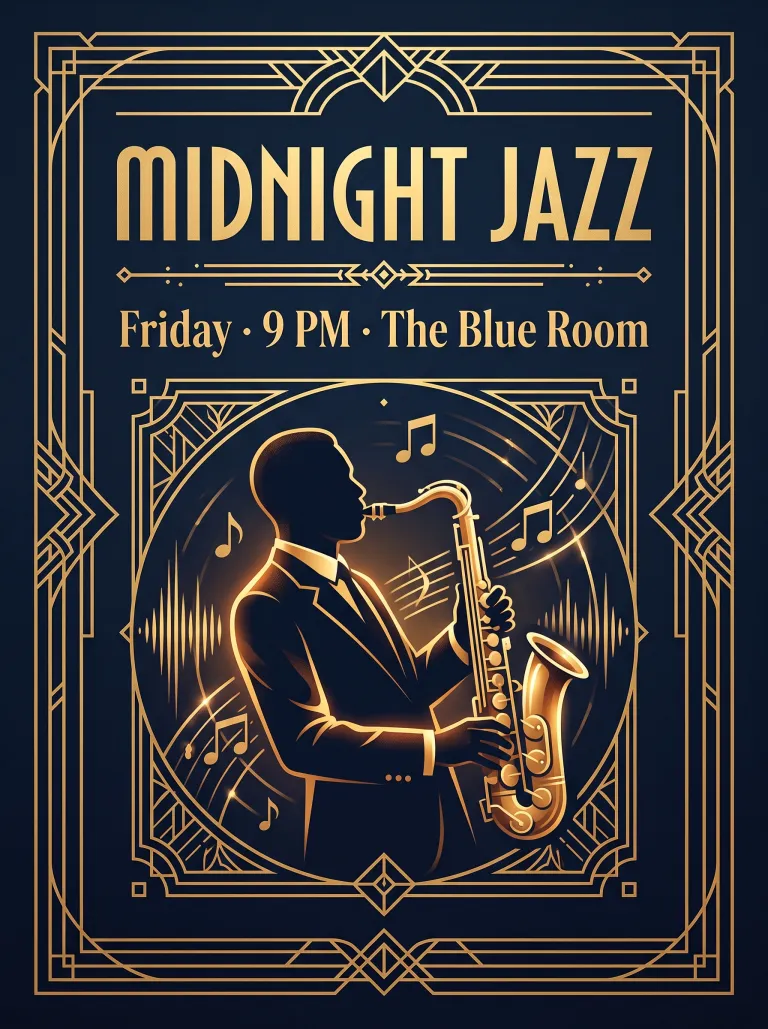
Nano Banana 2: a richer illustration with an ornate Art Deco frame. Both models spelled every word correctly.
Same prompt, two very different posters, for about 22 coins in total. With a single-model subscription you would only ever see one of them.
Can I use pay-as-you-go AI images commercially?
On inker, the images you create belong to you to the extent the law allows (see the Terms). Each output carries invisible metadata that marks it as AI-generated, and there is no visible watermark. When you publish realistic AI images, say they are AI-generated. Our AI disclosure page explains why.
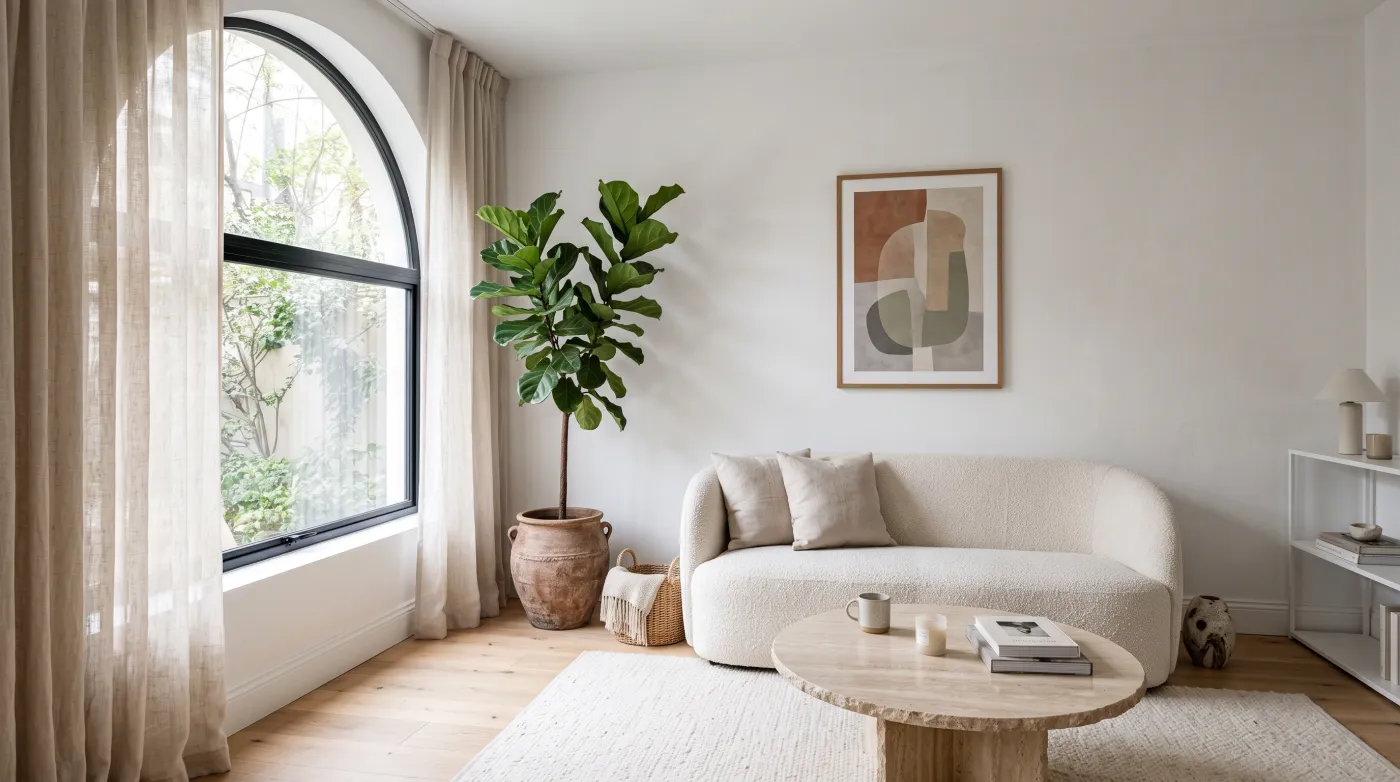
Interior concept made with Nano Banana 2 for 11 coins, ready for a mood board or listing mock-up.
How to get started in two minutes
- Create a free account and confirm your email to get 15 free coins.
- Open the image studio and pick a model (Nano Banana 2 is a great default).
- Paste a prompt, check the coin price, and press Generate.
- When you need more, buy a pack once and keep creating. Nothing renews.
Want better results faster? Read our Nano Banana prompt guide with copy-paste prompts and real outputs.
FAQ
Is there a free AI image generator with no subscription?
Yes. inker gives new accounts 15 free coins after email confirmation (valid for 30 days), with no card and no subscription. After that you buy one-time coin packs from €5.
Do coins expire?
Purchased coins never expire. The 15 free signup coins are valid for 30 days.
What happens if a generation fails?
Your coins are returned automatically if a generation fails or is blocked by a safety filter.
Which AI image model should I start with?
Nano Banana 2 is a strong all-rounder for photoreal images and text. Use Ideogram 4 for posters and logos, and Nano Banana Pro when you need the highest quality.
Can I cancel?
There is nothing to cancel: inker has no subscriptions. You buy coins once and use them whenever you want.
Sobre el autor
Opeek@opeek
Más del blog
5 min de lecturaEn inglés
Nano Banana Prompts: 6 Copy-Paste Prompts With Real Results (2026 Guide)
The prompt formula that works best with Google's Nano Banana image model, plus six copy-paste prompts for product shots, food, illustration, posters with text, portraits and interiors, each with the unedited result.
5 min de lecturaEn inglés
Best AI Video Generators in 2026: Kling 3.0 vs Veo 3.1 vs Seedance 2.0 vs Hailuo 2.3
We ran the same prompts through Kling 3.0 Turbo and Hailuo 2.3 and compared them with Veo 3.1 and Seedance 2.0. Here is which AI video generator to use for realism, audio, motion and price, with real clips.
2 min de lecturaEn inglés
Beginner’s Guide: Turn a Photo into a Short Video with inker
Learn how to animate any still image into a short clip in just a few clicks—no subscription required.