Beginner’s Guide: Turn a Photo into a Short Video with inker
Learn how to animate any still image into a short clip in just a few clicks—no subscription required.
By Opeek2 min read
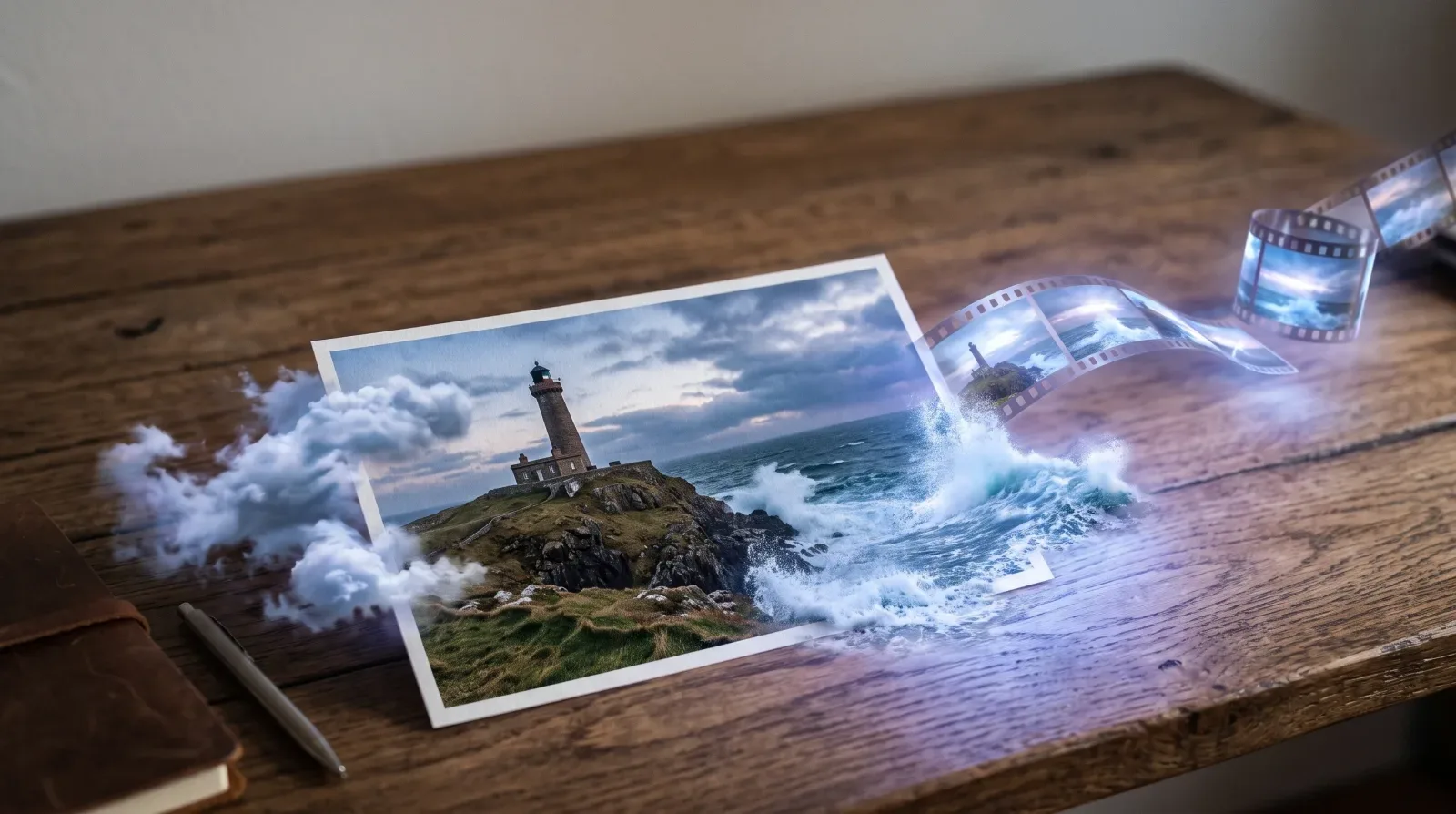
Choose your starting photo
Open the Video studio in inker, set Start from to Image, and add the still you want to animate. Any clear photo works: portraits, landscapes, product shots or illustrations. Good lighting and detail give smoother motion.
Describe the motion and camera
In the prompt box, say what should move and how the camera behaves. Keep it short and specific:
- "The camera slowly pushes in on the lighthouse."
- "Leaves on the tree sway gently in the wind."
- "The car drives forward while the camera pans right."
Not sure how to phrase it? Click Enhance: it rewrites your prompt into a clearer, more detailed one before you generate. You can undo it if you prefer your own words.
Pick a video model and check the coin price
Choose the model that fits your goal and budget:
- Veo 3.1 Lite: the lowest coin cost, great for quick tests.
- Kling 3.0 or Seedance 2.5: higher quality and more control, for more coins.
Duration, resolution and sound change the price. inker shows the exact coin price before you click Generate, and that is exactly what you pay.
Generate, review and refine
Hit Generate. The clip appears in your feed when it is ready. If the motion is not quite right, tweak the prompt or try another model and generate again. If a generation fails, the coins it held go straight back to your balance.
Give it a style
Want a different look? Open Tools & Effects and pick a style filter such as Brick toy or Anime film, then apply it to your image or to the finished video. Filters run on a model too, so they cost coins like any other generation, and the price is shown before you start.
Pay once, no subscription
Coins come in one-time packs. Purchased coins never expire, and there is no subscription: you only spend coins on what you create.
FAQ
Do I need a subscription? No. Buy a coin pack once and use the coins whenever you like.
What if my video fails? A failed generation gives its coins back to your balance.
Do style filters cost extra? Yes, a filter is a generation of its own. You see its exact price before you run it.
How long are the clips? It depends on the model: most offer a few seconds up to around 10 seconds or more, and you choose the duration before generating.
About the author
Opeek@opeek
More from the blog
1 min read
Welcome to inker
inker is one studio for AI images, videos, audio and 3D. Here is how it works and how to make your first piece in a few minutes.