AI Product Photography: How We Shoot a Full Product Campaign in One Afternoon
A packshot, a lifestyle photo, a bold ad and a user-generated-style shot, plus an 8-second video ad, all from one product brief. Here is the exact workflow, the prompts and the models we use, with the real results and what each one cost.
By Opeek6 min read
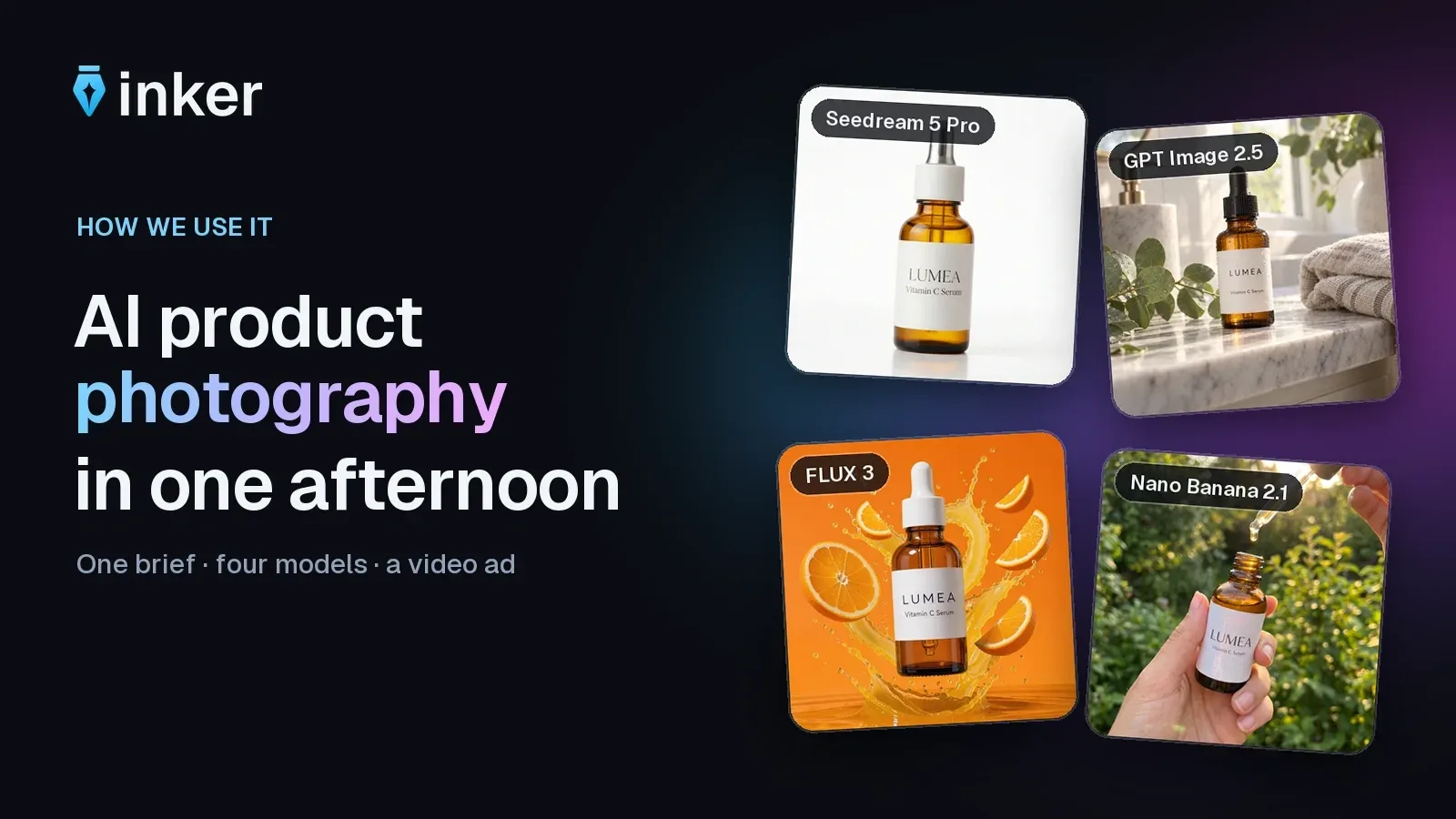
Short answer: you can make a full set of product photos with AI in one afternoon. Write one product brief (exact colors, materials, label text), then generate each shot type with the model that is best at it: Seedream 5 Pro for clean white-background packshots, GPT Image 2.5 Sunburst for lifestyle scenes, FLUX 3 for bold ads, Nano Banana 2.1 for user-generated-style photos, and Veo 3.1 Fast for the video ad. On inker the four photos below cost 66 coins in total at default settings, about €0.66, and the video 56 coins.
Step 1: write one product brief
Every model reads the same core description, so the product stays recognizable across shots. Ours is a fictional vitamin C serum:
An amber glass dropper bottle of face serum with a matte white label that reads exactly "LUMEA" and below it "Vitamin C Serum".
Rules that make the difference:
- Quote the label text and add "reads exactly". All four models below spelled LUMEA correctly on the first try.
- Name materials and colors ("amber glass", "matte white label") instead of "a nice bottle".
- Add "No other text" so models don't invent slogans or extra logos.
Step 2: one shot type per model
The packshot (white background), with Seedream 5 Pro
E-commerce product photo of an amber glass dropper bottle of face serum with a matte white label that reads exactly "LUMEA" and below it "Vitamin C Serum". The bottle stands on a pure white seamless background with soft diffused studio lighting, a subtle reflection underneath and sharp focus. No other text.
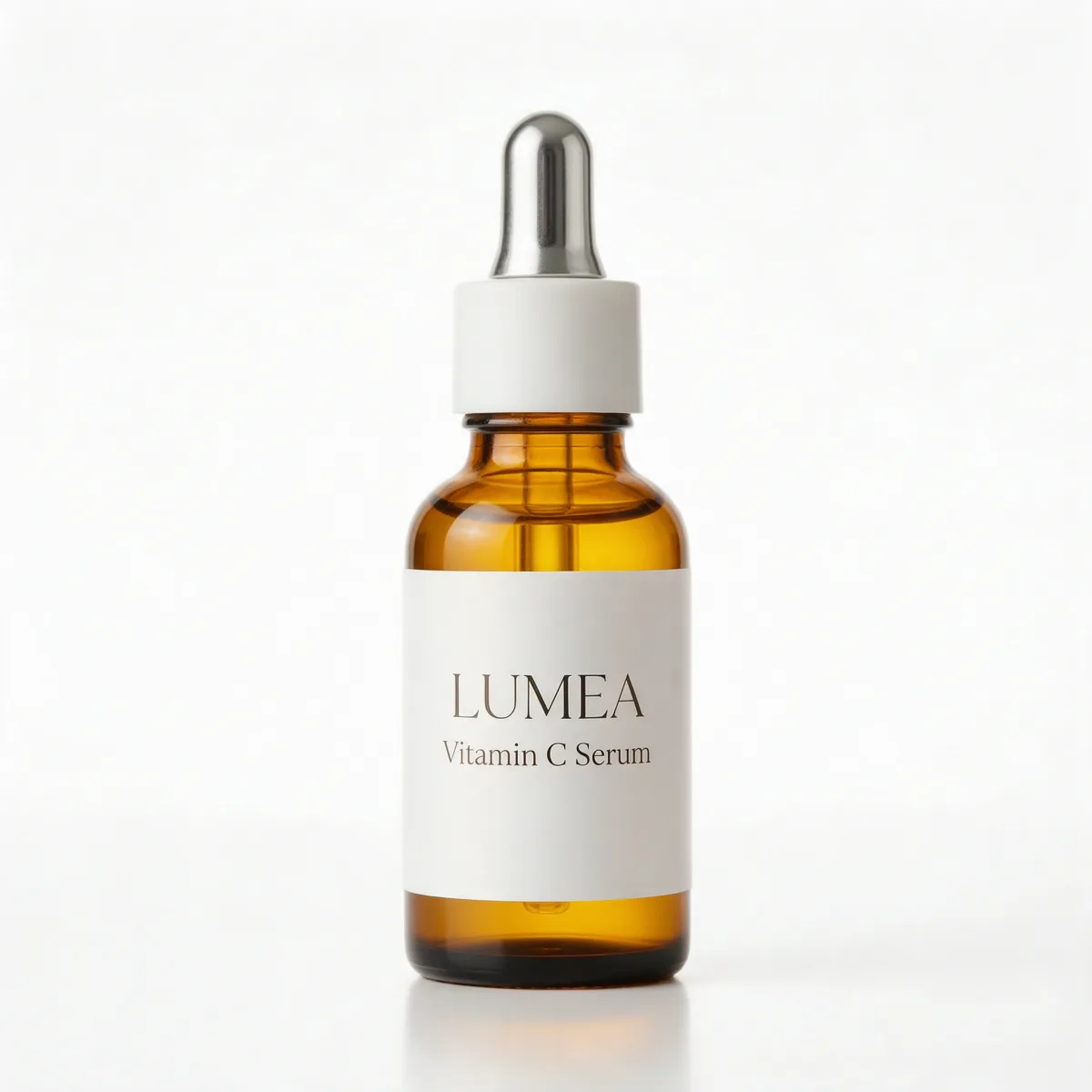
Seedream 5 Pro, 24 coins. Marketplace-ready: pure white, centered, crisp label. Use this for your store grid, Amazon main images and catalogues.
The lifestyle shot, with GPT Image 2.5 Sunburst
Lifestyle product photo of an amber glass dropper bottle of face serum with a matte white label that reads exactly "LUMEA" and below it "Vitamin C Serum", standing on a white marble bathroom shelf beside a sprig of eucalyptus and a folded linen towel. Soft morning sunlight through a window, tiny water droplets on the glass, calm spa mood, shallow depth of field. No other text.
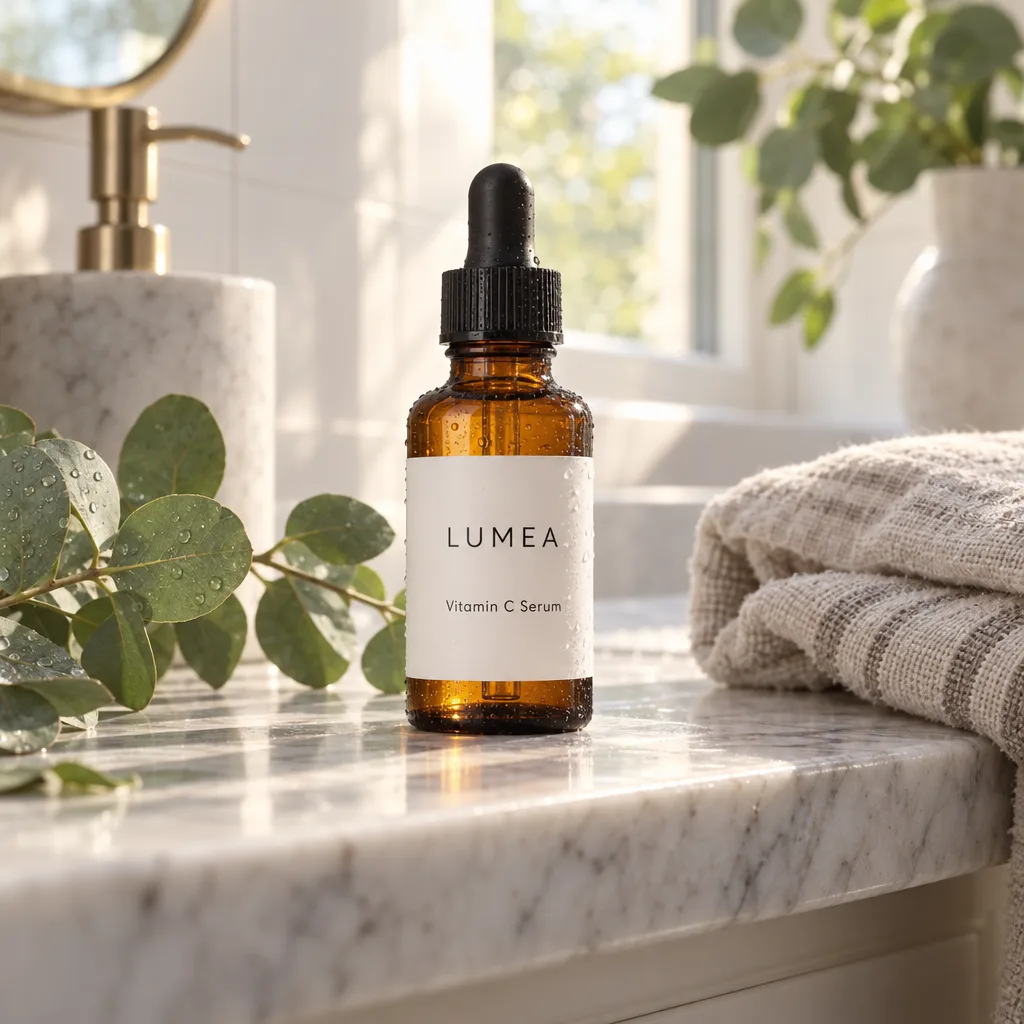
GPT Image 2.5 Sunburst (high quality), from 9 coins. The most natural styling: it placed every prop we asked for, even the droplets on the glass. Great for product pages and email headers.
The scroll-stopping ad, with FLUX 3
Bold advertising photo: an amber glass dropper bottle of face serum with a matte white label that reads exactly "LUMEA" and below it "Vitamin C Serum", suspended mid-air inside a dynamic splash of fresh orange juice with flying orange slices and droplets. Vivid tangerine background, high-speed flash, crisp detail, energetic summer campaign look. No other text.
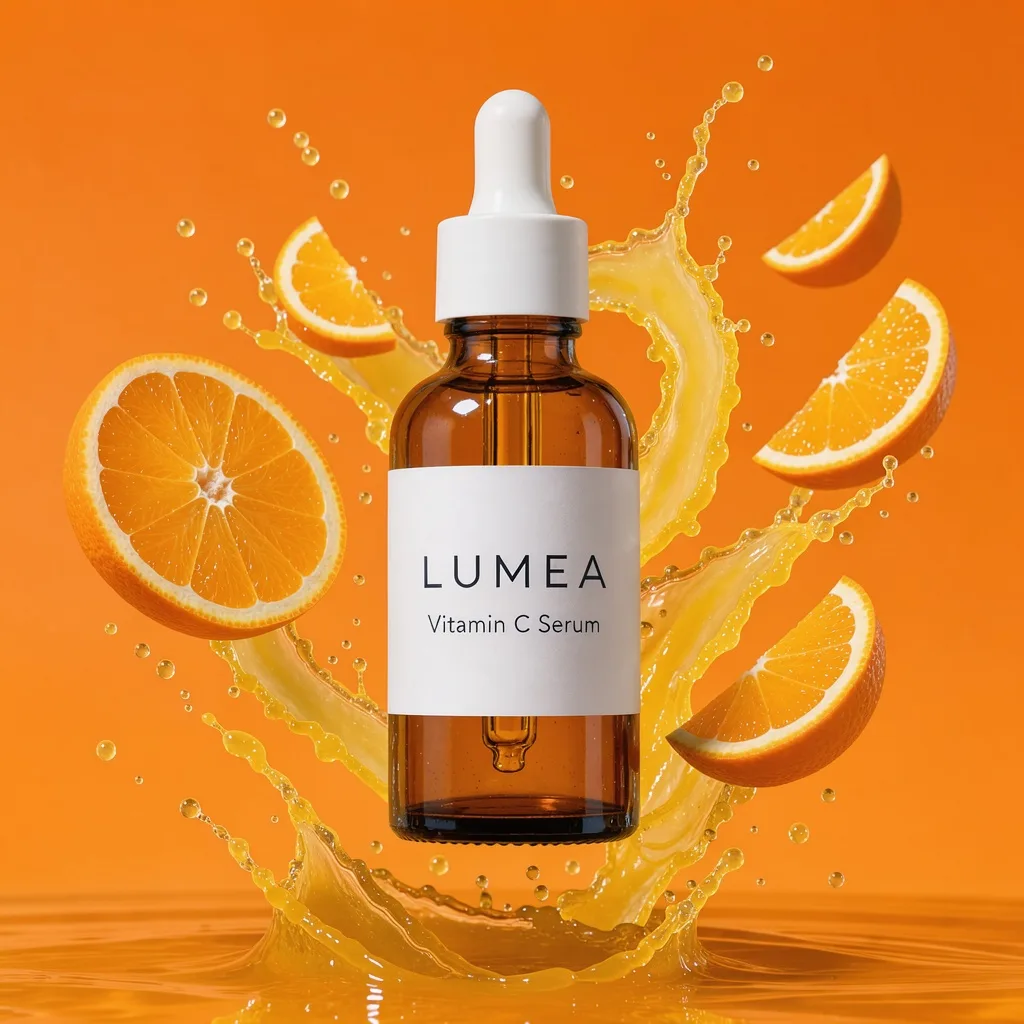
FLUX 3, 18 coins. Frozen liquid, flying fruit and punchy color, the kind of image that would need a high-speed flash rig in a real studio. Use it for paid social and banners.
The UGC-style shot, with Nano Banana 2.1
Close-up user-generated-content style photo: a hand with natural short nails holding an amber glass dropper bottle of face serum with a matte white label that reads exactly "LUMEA" and below it "Vitamin C Serum", a single golden drop falling from the dropper. Golden-hour sunlight, blurred green garden background, warm natural skin tones, shot on a phone. No face visible, no other text.
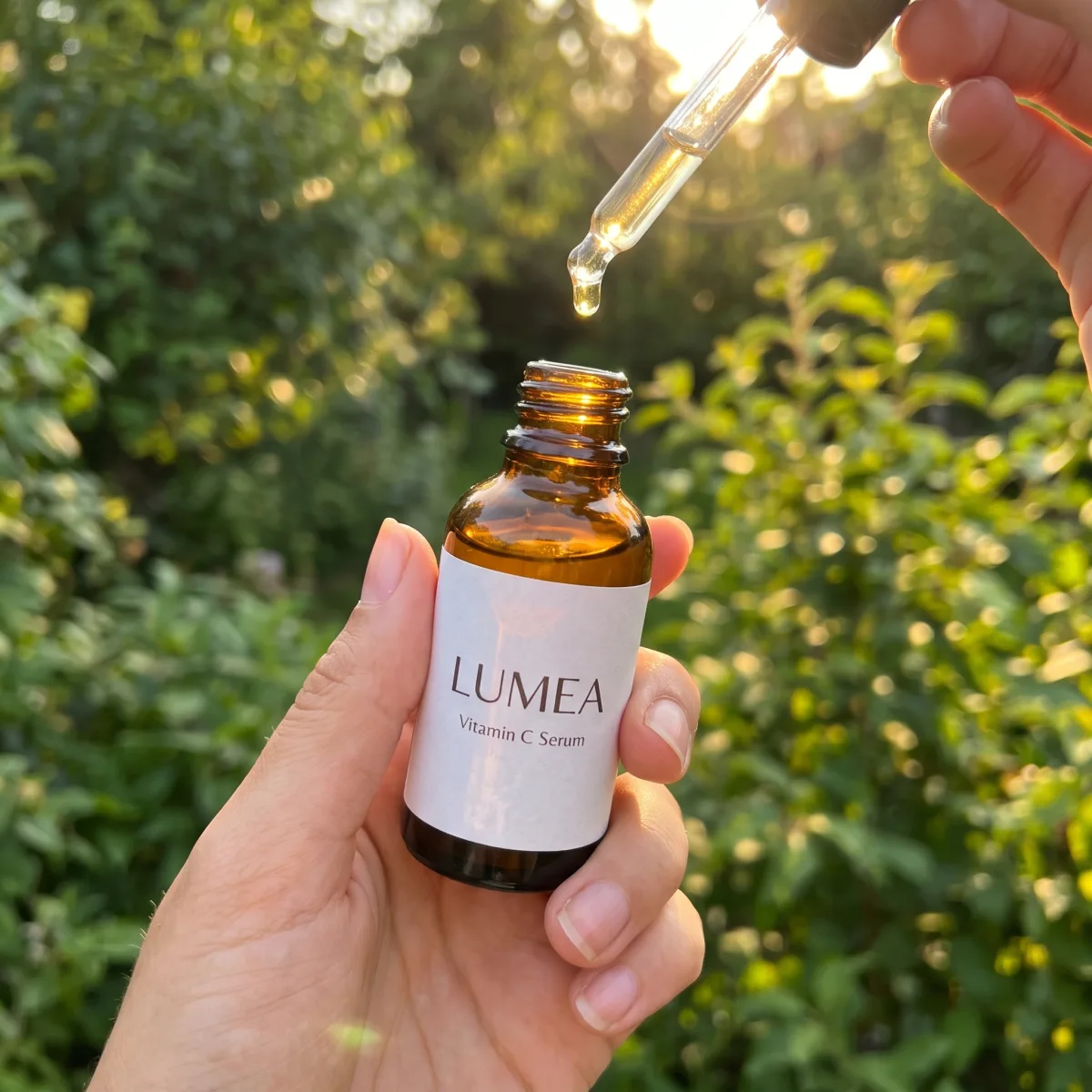
Nano Banana 2.1, 15 coins. "Shot on a phone" gives it the authentic feel that performs well on TikTok and Instagram, and the falling drop shows the texture of the product.
Step 3: turn the brief into a video ad
The same brief, written as a shot, became an 8-second ad with sound in Veo 3.1 Fast:
Premium skincare commercial: a slow orbiting shot around an amber glass dropper bottle of face serum with a white label reading "LUMEA", standing on a glossy white pedestal. Soft studio light sweeps across the glass, then fresh orange slices and juice droplets splash around it in slow motion. Clean, bright, luxurious, gentle ambient music.
Veo 3.1 Fast (720p, 8 s, with music). The label stays readable through the splash. A ready-made story or reel; at 1080p the default price on inker is 56 coins.
Use your real product photo
The shots above were generated from text, so each model drew the bottle slightly differently. Look at the caps and droppers. That's fine for concepts and mood boards. For your actual product, start from a real photo and use an edit model, which keeps your packaging and changes only the scene:
- Nano Banana 2.1 Edit (16 coins): "put this bottle on a marble bathroom shelf in morning light". It can combine several reference images.
- Seedream 5 Pro Edit (13 coins): precise single changes, such as a new background or new props, while the rest stays intact.
- Nano Banana Pro Edit (26 coins): the highest quality for hero images.
Then animate your edited photo with an image-to-video model such as Veo 3.1 Fast or Kling 3.0 Pro, which can even take a start and an end frame.
What the whole campaign cost
| Shot | Model | Coins (default settings) |
|---|---|---|
| White-background packshot | Seedream 5 Pro | 24 |
| Lifestyle | GPT Image 2.5 Sunburst | 9 |
| Splash ad | FLUX 3 | 18 |
| UGC-style | Nano Banana 2.1 | 15 |
| 8-second video ad | Veo 3.1 Fast | 56 |
| Total | 122 coins ≈ €1.22 |
Prices are inker's default settings at the time of writing. Resolution and options change them, and the studio always shows the exact price before you generate. Coins come from one-time packs (from €5) that never expire.
Tips for better AI product photos
- Keep the brief identical across shots and only change the scene sentence.
- Pick the aspect ratio for the channel: 1:1 for marketplaces, 4:5 for Instagram, 9:16 for stories and reels, 16:9 for banners.
- Describe light like a photographer: "soft diffused studio light", "golden hour", "high-speed flash".
- Ask for imperfection in UGC shots: "shot on a phone", "natural skin", "no face visible".
- Check claims and labels before you publish: AI is great at text now, but always proofread.
- Disclose AI imagery where your marketplace or ad platform requires it. inker outputs carry invisible AI metadata and no visible watermark.
FAQ
Which AI model is best for product photography?
For white-background e-commerce packshots we use Seedream 5 Pro. GPT Image 2.5 Sunburst handles detailed lifestyle scenes, FLUX 3 bold ad creatives, and Nano Banana 2.1 natural UGC-style photos. Using several models from one place lets you pick the best one for each shot.
Can AI put my real product into new scenes?
Yes. Upload a photo of your product to an edit model such as Nano Banana 2.1 Edit or Seedream 5 Pro Edit and describe the new scene. The model keeps your product and changes the surroundings.
Can AI write the text on my packaging correctly?
Modern models are very good at it. Put the text in quotes and say "reads exactly". In our test all four image models spelled the label correctly. Always proofread before publishing.
How much does AI product photography cost?
On inker one product photo costs 9 to 24 coins at default settings (about €0.09 to €0.24), and an 8-second video ad from 56 coins. There's no subscription: you buy coins once, and new accounts get 15 free coins to try.
Can I use AI product photos commercially?
Your outputs belong to you to the extent the law allows (see the Terms). Some marketplaces require AI-generated images to be labeled, so check their rules.
About the author
Opeek@opeek
More from the blog
5 min read
Nano Banana Prompts: 6 Copy-Paste Prompts With Real Results (2026 Guide)
The prompt formula that works best with Google's Nano Banana image model, plus six copy-paste prompts for product shots, food, illustration, posters with text, portraits and interiors, each with the unedited result.
5 min read
AI Image Generator With No Subscription: How Pay-As-You-Go Works in 2026
You don't need a monthly plan to use the best AI image models. Here is how pay-as-you-go AI image generation works, what one image really costs, and when it beats a subscription.
6 min read
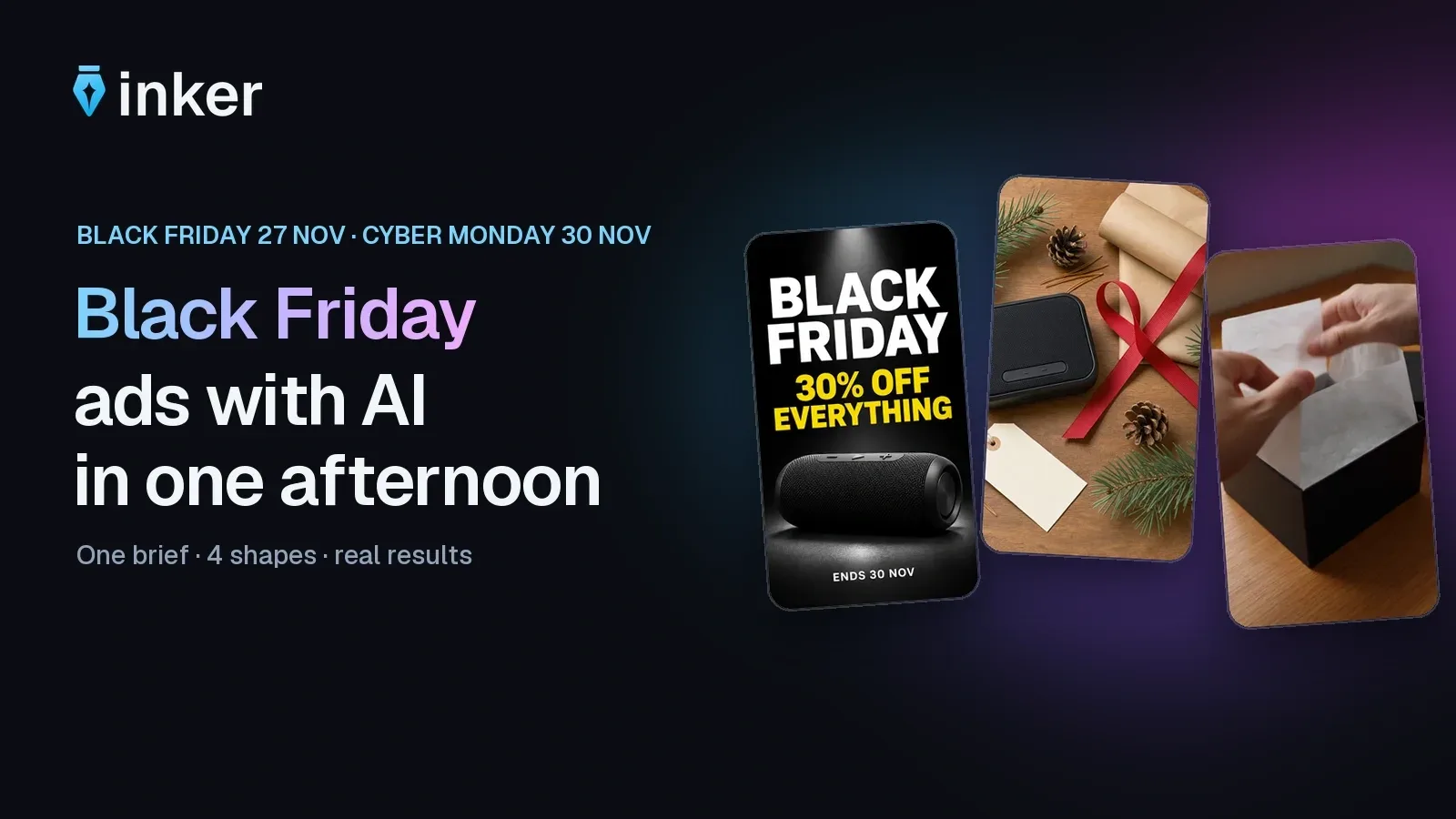
How to Make Black Friday Ads With AI in One Afternoon (2026 Guide)
Black Friday 2026 is 27 November and Cyber Monday is 30 November. Here is a one-afternoon workflow for a full AI ad set: a sale poster, a hero shot, a gift scene and a vertical video, with the exact prompts, real results and what each piece costs.